
 .
.Saving Still Images
Grab frames from a movie and save them as still images.
Press the [GRAB] button while movie recording, displaying a through image, or playing a movie.
The LCD monitor display will be hidden while a through image is being saved.
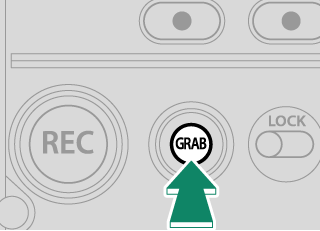
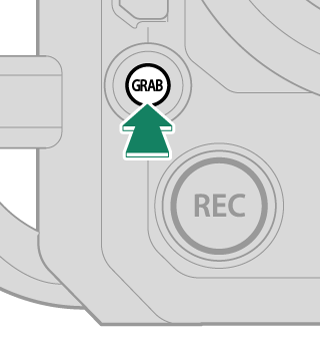
When playing a clip on the playback display, a still image of the movie being played is saved. When there is no clip to play or a still image is being displayed, a still image will not be saved.
The size of still images saved while displaying a through image or playing a movie will be the size set in [PROJECT] > [RESOLUTION]. The size of still images saved during movie recording will be equivalent to FHD.
Even if you press the [GRAB] button during movie recording, movie recording will continue.


